Using software (programs) for daily planning
Hi there,
Today is Wednesday, that means we are going to talk about software :) not compulsory.
Best way to start is to mention Calendar, basically is the best program but not many people are using it. It uses time blocking.
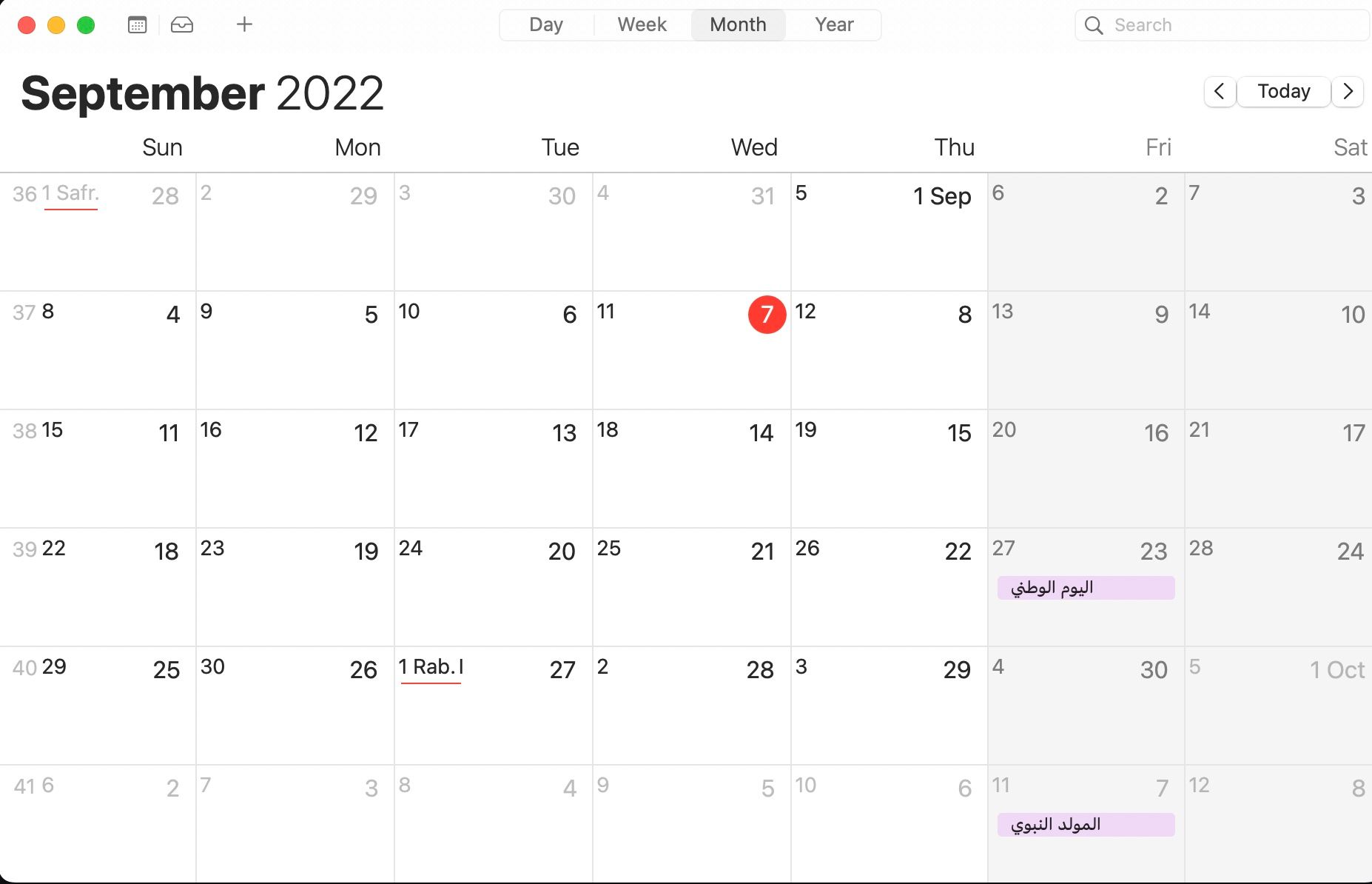
As you can see, I am also not using it, because it feels too busy, although it syncs well between devices. The issue that if you miss a date, you need to re-date.
The second program is teuxdeux, learned about it in matt deavella youtube.
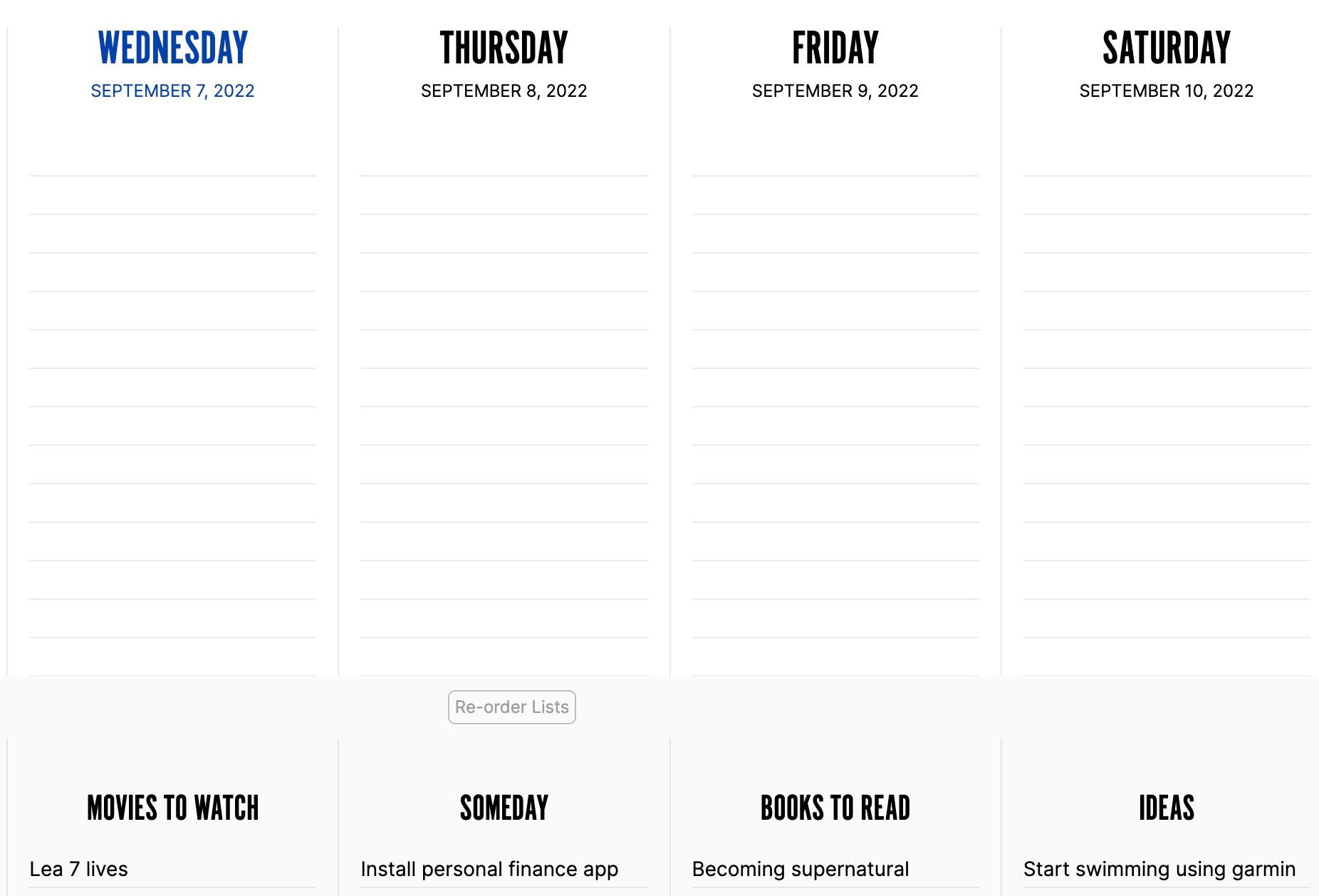
The way it goes that you use daily tasks to distribute the lower row, to fill the upper row, and it a day goes without doing your tasks, it switches to the following day, and so on.
You can try it for free for 30 days and then it costs 3-4$ per month.
For daily note taking, it is better to use notes app, which does sync between MacOS devices. but because I switch between Windows and MacOS, I use Obsidian.
It is free, but the sync services is paid.
The good thing about it that it shows you graph view, so you can ((understand)) the connections between your ideas. ((bidirectional linkings)).
The Agenda software is nice, but the full features are paid also
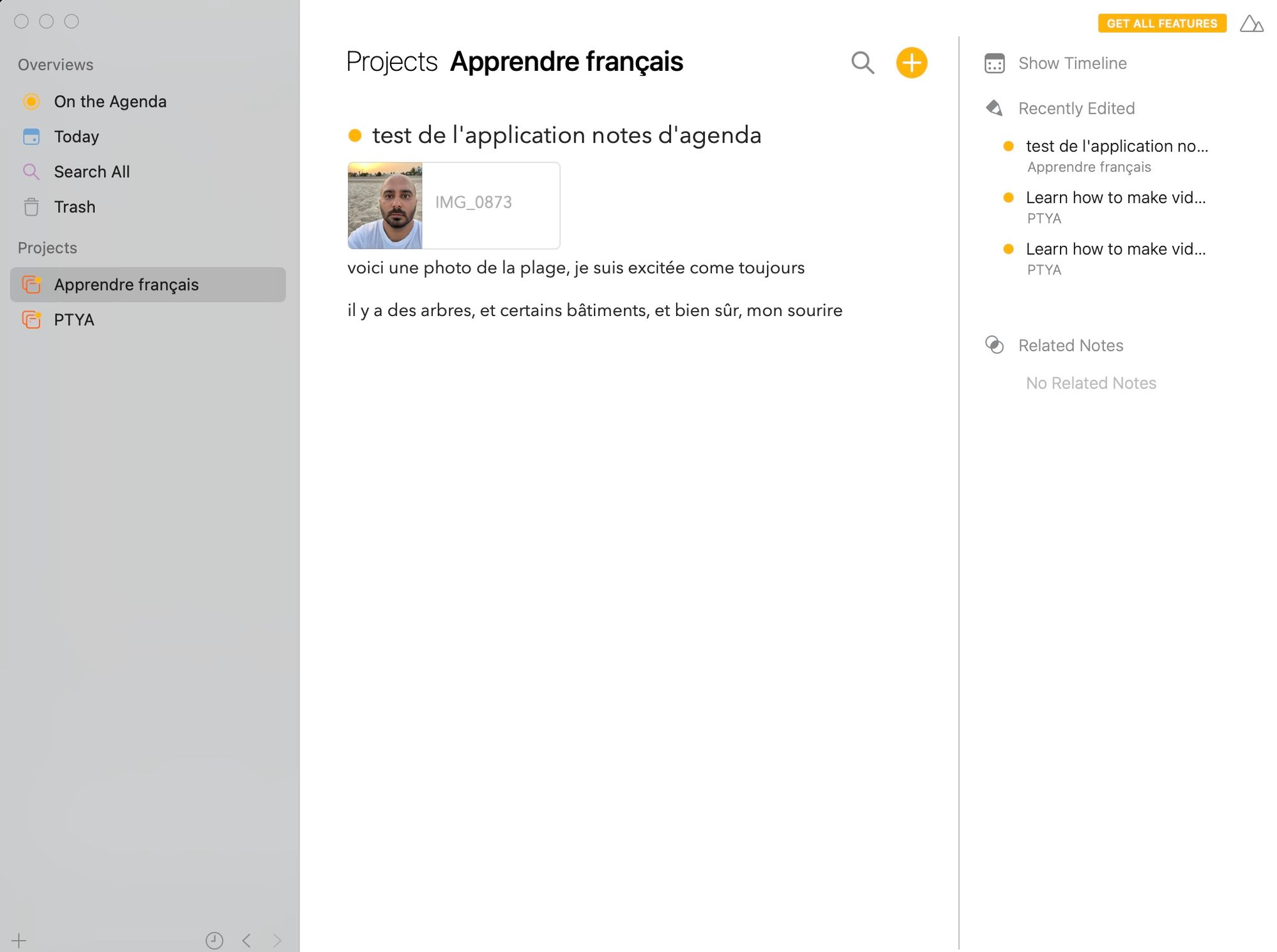
And so on, the software in general are linked to profitability. Most of them are free basically, but the full features are paid if you liked it.
I use one note for monthly planning, and draw a mindmap for each month.
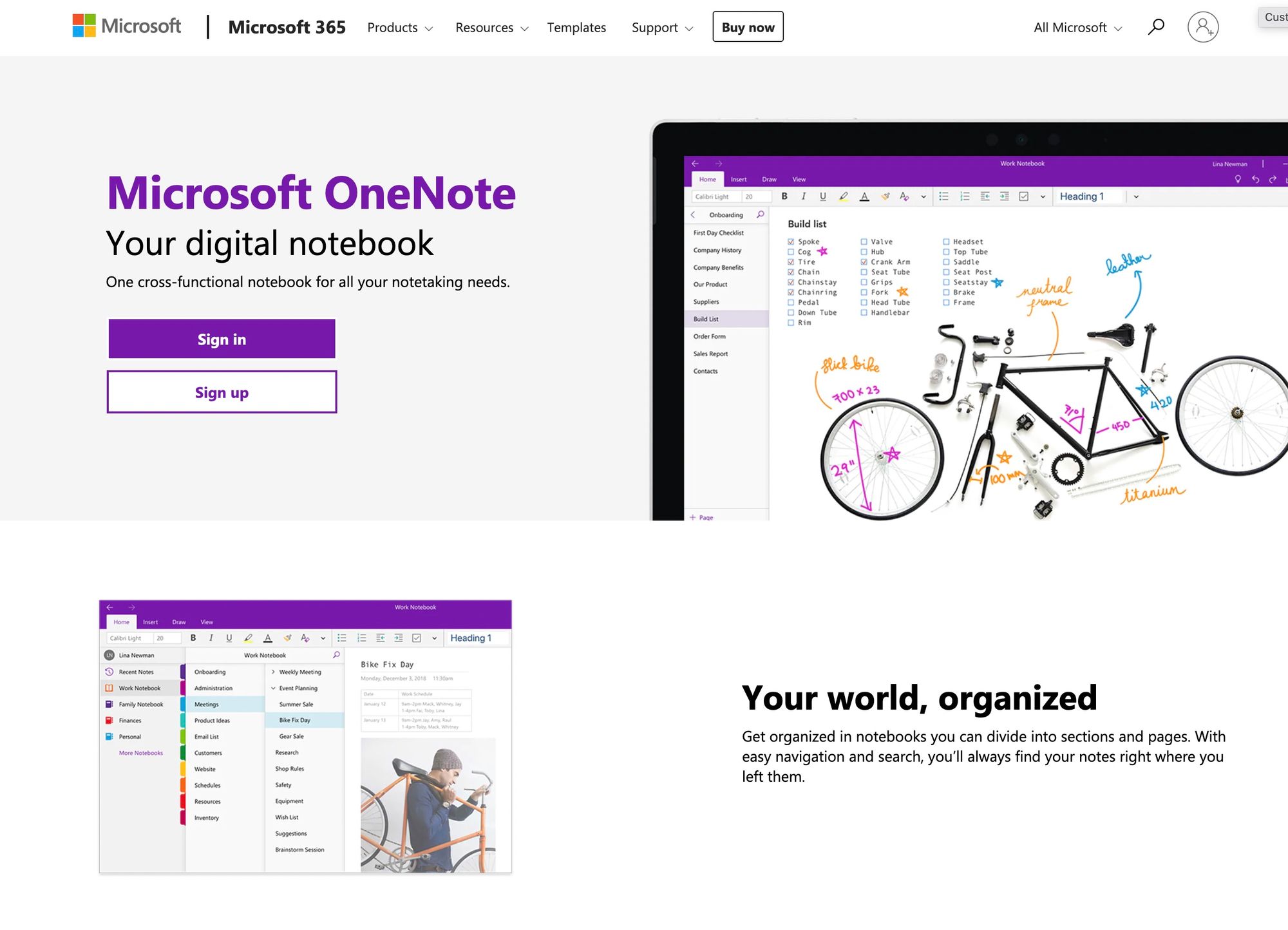
It is free also. But you need an ipad or drawing tablet (like Wacom) for drawing.
Found that drawing increases attention and decreases tension.
Enjoy the music, see ya next week :)